 CARDZ3N — Home
Contact us today for personalized advice and strategic solutions tailored to your goals.

Call us
+1 (702)-623-3528











A payment gateway migration is safe when the new account is approved, tested and carrying live traffic before the old one is switched off. The sales you lose in a switch are rarely lost to the move itself. They come from a gap: stored cards that cannot follow you, subscriptions that fail on their first renewal, or a new underwriting decision that arrives after the old account is already closed. If Stripe, PayPal or Square has frozen, reserved or terminated you, the stakes are higher, because you may have no old account to fall back on. CARDZ3N places high-risk and B2B merchants with sponsor-bank-backed accounts, and the plan below is the routine we would hand a merchant before any cutover.
Most migrations start with one of four triggers. Know which one is yours, because it sets the requirements for the new account.
Write down your last three months of volume, average ticket, refund rate, chargeback ratio and the share of revenue that is recurring. An underwriter will ask for the same figures, and having them ready shortens approval.
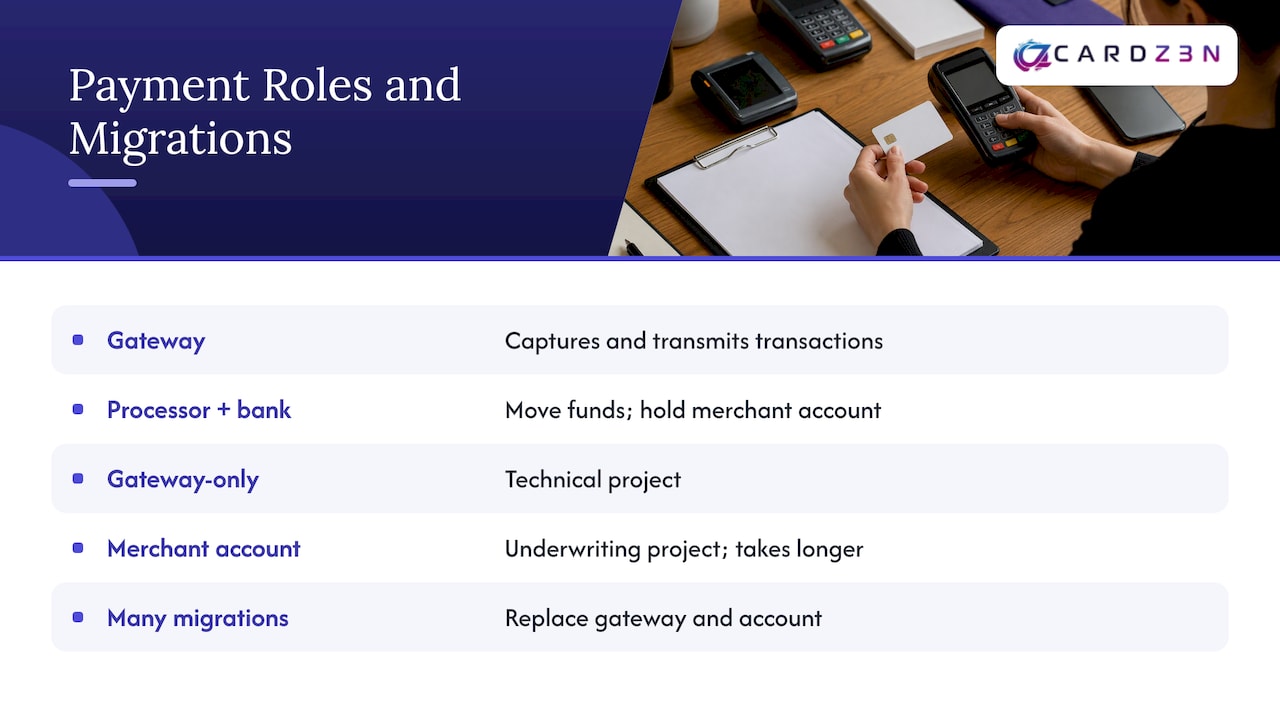
The gateway is the software layer that captures and transmits the transaction. The processor and acquiring bank move the funds and hold the merchant account. Some migrations replace only the gateway, which is a technical project. Others replace the merchant account, which is an underwriting project and takes longer. Many “switch payment processor” projects are both. Our guide to gateway versus processor, underwriting and PCI explains where the line falls, and it determines your critical path.
Code can be written in parallel with underwriting, but you cannot take live payments until the merchant account is boarded. Start the application before you touch the integration. A complete package typically includes:
If you sell CBD, firearms, vape, adult content, nutraceuticals, telemedicine or iGaming products, say so at the outset. Category surprises are the most common reason an approval stalls or is later revoked. Our high risk merchant account team provides hands-on underwriting support and places merchants through multiple sponsor banks and payment rails, so a single bank’s appetite does not decide your timeline.
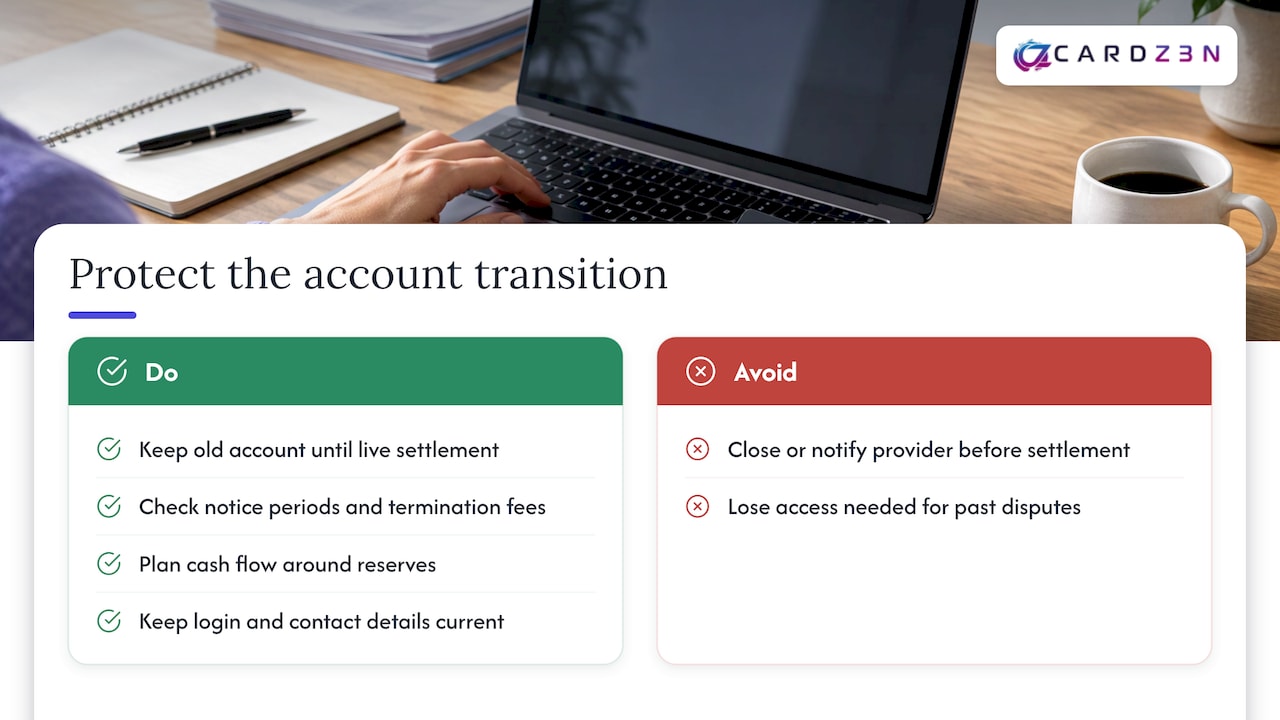
Do not close or notify your current provider until the new account has processed live transactions and settled to your bank. Closing early is the single most expensive mistake in a switch. Check your current agreement for termination notice periods and early termination fees, and note that some providers hold a reserve for a period after closure to cover late chargebacks. Plan your cash flow around that.
If your account was already terminated, the old provider will usually still handle disputes on past transactions. Keep your login and contact details current so you can respond to chargebacks after the switch.
Before you design the cutover, list every place your current gateway is called. Gaps here are what turn a clean migration into a weekend of failed orders.
| Touchpoint | What to record | Typical failure if missed |
|---|---|---|
| Checkout (web, mobile app) | Integration type: hosted page, embedded fields, direct API | Old keys still in production code |
| Recurring and subscription billing | Billing schedule, retry logic, stored tokens | Renewals fail on day one |
| Virtual terminal and phone orders | Who uses it, which credentials | Staff keep charging the old account |
| ACH and eCheck | Origination setup, return handling | Returns routed to the wrong account |
| Refunds and voids | Referenced by old transaction ID | Refunds cannot be issued on legacy sales |
| Webhooks and reconciliation | Event endpoints, settlement reports, ERP or accounting sync | Books stop matching deposits |
| Fraud rules and 3DS | Velocity limits, AVS and CVV rules, authentication flow | Fraud spikes or good orders blocked |
| Invoicing, payment links, POS | Any other tool with stored credentials | Orphaned integrations |
Refunds deserve special attention. A refund usually has to go back through the processor that took the original payment, so you will run the old account in a limited capacity for refunds and chargebacks for months. Budget for that overlap.
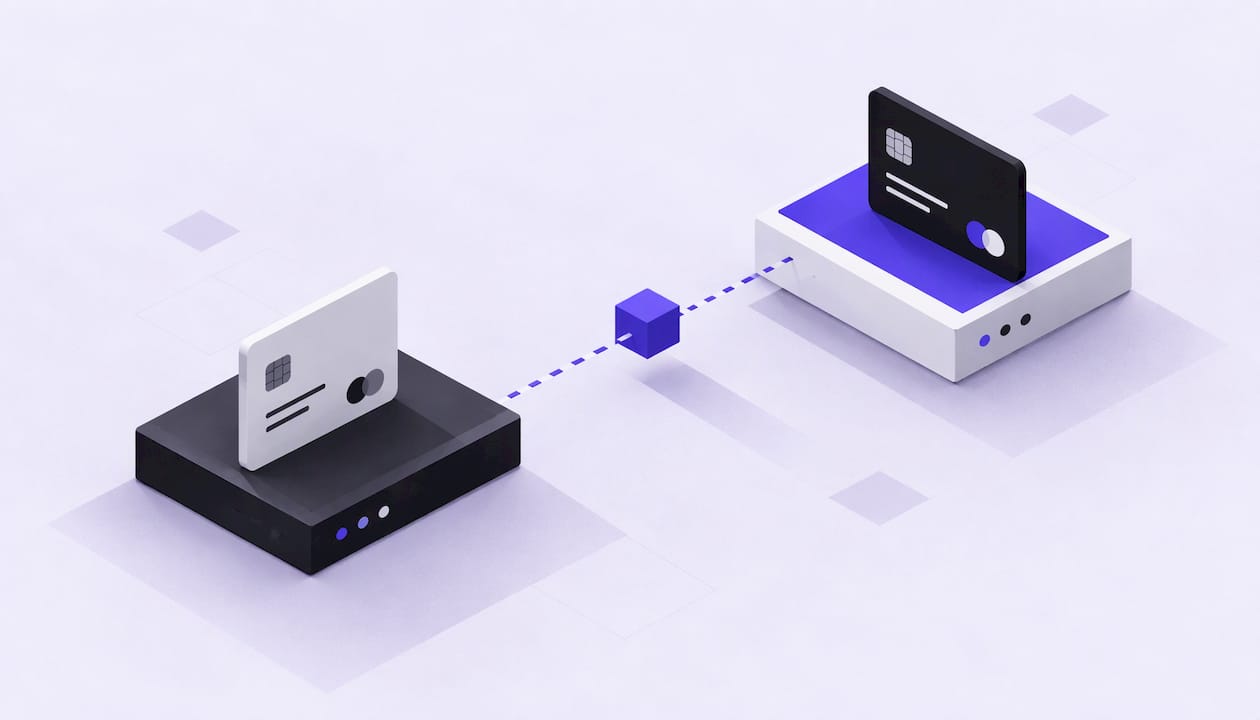
For a subscription merchant, this is the step that decides whether revenue survives. The card numbers (PANs) are held in your old provider’s vault as tokens. A token generally works only with the provider that issued it, so you need the provider to export the underlying card data to your new provider, or you need to re-collect cards from customers.
A compliant card data transfer works like this:
Before you commit to a new account, ask what it offers for recurring and subscription billing and for payment decline recovery, since renewals are where migrated cards first show their weakness.
The first renewal run on the new gateway is your highest-risk day. Do not let a large share of the base renew in a single batch on day one. Stagger the migration by billing cohort, starting with the customers who renew soonest and have the cleanest history. Hold your retry schedule steady, and watch the authorization rate for each cohort before releasing the next.
A migration is a change to how card data flows, so it changes your PCI DSS obligations. Which self-assessment questionnaire (SAQ) you complete depends on how you take payments. The PCI Security Standards Council’s SAQ A applies to merchants whose account data functions are fully outsourced to PCI DSS validated third parties, who keep no electronic account data themselves. The Council’s guidance for larger organizations tells them to determine the eligible SAQ scenario for each payment channel and complete the right validation documents for every party involved, which matters when a migration adds or changes channels.
In practice:
Also carry your authentication posture across. If you use 3D Secure, confirm the new gateway supports it and that your issuer-facing flows behave the same. Our 3D Secure 2 implementation guide covers the setup.
The payment gateway work itself is the shortest phase when underwriting and inventory are done. CARDZ3N supports gateway integrations with leading payment platforms and POS integrations, so the build can follow the stack you already run. Whatever you use, test in this order:
A staged cutover gives you a fast way back. The usual pattern is:
| Stage | Traffic on new gateway | What you watch |
|---|---|---|
| Pilot | A small share of new orders, or internal and staff orders only | Authorization rate, errors, settlement match |
| Ramp | A growing share, with new customers first | Decline reasons, fraud flags, support tickets |
| Subscriptions | Renewal cohorts released one at a time | Renewal success versus the old baseline |
| Full | All new transactions | Daily reconciliation |
| Run-off | Old account handles only refunds and disputes on legacy sales | Chargeback inbox, reserve release |
Choose a low-traffic window for each increase, avoid month-end billing peaks, and avoid promotions and holiday surges. Keep a feature flag or routing switch so you can send traffic back to the old account in minutes. Brief your support team with a one-page script: what customers may notice (a different descriptor, a new card form), and who to escalate to.
The first 30 to 90 days decide whether the migration worked. Track against the baseline you wrote down before you started.
Set alerts for each, review them daily for two weeks, then weekly. Hold the old account open until you have cleared a full refund and dispute window.
Timelines depend on category, volume and how clean your documents are, so treat any promised number with care. The sequence is stable though: application and underwriting, integration build in parallel, sandbox and low-value live testing, staged cutover, then run-off of the old account. Merchants who have already been terminated should start underwriting immediately, because there is no overlap period to lean on.
We approach a migration as an underwriting problem first and an integration problem second. The code is the part everyone plans for. The part that actually strands revenue is the approval, the reserve structure and the order in which accounts are opened and closed.
CARDZ3N is a specialist for high-risk and B2B merchants that generic processors turn away. That focus shows in how we work: hands-on underwriting support, multi-bank and multi-rail approval resilience, and sponsor banks that give the account institutional stability. We are transparent about reserve structures and quote-based pricing, so you can model the new account before you commit, rather than discovering terms after cutover.
Our advice is to treat the switch as a project with owners, a rollback path and a baseline. Move recurring revenue in cohorts. Keep the old account open until the new one has settled real money. Put chargeback prevention in place before the descriptor and flows change, not after the first dispute arrives.
Joshua Benedetti
If you are replacing a frozen or terminated account, or moving off a processor whose terms no longer fit, our merchant services and payment processing cover credit card, ACH, eCheck, virtual terminal, gateway integrations, POS and business lending. B2B and government contractors can route Level 2 and Level 3 data through B2B and B2G payment processing. We also serve merchants in Canada, the UK and the EU, with regional pages such as EU merchant accounts. Pricing is quote-based, so the next step is a conversation about your volume and category.
The integration itself can be short, but approval for a new merchant account usually sets the pace, and it varies with your industry, volume and document quality. Start underwriting before you start coding. Then allow time for sandbox tests, live testing and a staged ramp rather than a single cutover.
Often yes, if your current provider will export the card data directly to the new provider’s vault through an encrypted, PCI-compliant transfer. Tokens themselves generally do not work across providers, so confirm the export and test a sample batch. Plan an update-your-card campaign for any cards that do not transfer.
No. Keep the old account open until the new one has processed live transactions and settled to your bank. You will also need the old account for refunds and chargebacks on earlier sales. Check your agreement for notice periods, early termination fees and any post-closure reserve.
It can. Your SAQ type depends on how card data reaches you, so moving from a hosted page to a direct API, or adding a channel such as POS or a virtual terminal, can change your scope. Collect the new provider’s compliance documents and re-confirm your SAQ before launch.
Every merchant's processing setup is different, so the right answer depends on your industry, sales channels, average ticket size and chargeback history. CARDZ3N's payments specialists review those details with you and match your business with the right sponsor bank, gateway and risk tools, whether you sell online, in store, by invoice or on a recurring subscription.
We work with merchants across the USA, Canada, the UK and the EU, including high-risk, B2B and fast-growing businesses that traditional processors often turn away. If you would like a second opinion on your current rates, contract terms or approval options, contact our team for a free, no-obligation processing review.
Joshua Benedetti is the CEO of CARDZ3N, a Las Vegas-based merchant services provider specializing in high-risk payment processing and B2B payment technology.
Joshua Benedetti on LinkedInCARDZ3N Inc is headquartered in Las Vegas, Nevada, and provides merchant services to businesses that traditional processors turn away. Backed by top-tier sponsor banks and processors, CARDZ3N combines institutional stability with the speed of a specialized team that understands high-risk industries. Services include high-risk account underwriting and placement, gateway solutions across the major gateway platforms, POS integrations, ACH and check processing, chargeback prevention through ChargebackZ3N, and business lending and working capital. Its AerospacePay division serves OEMs, MROs, FBOs, and repair stations with B2B and B2G payment processing. CARDZ3N serves merchants in the USA, Canada, the UK, and the EU.
Start protecting your revenue from chargebacks today — schedule your complimentary consultation with CARDZ3N’s dispute management specialists.