
 CARDZ3N — Home
Contact us today for personalized advice and strategic solutions tailored to your goals.

Call us
+1 (702)-623-3528










A card account updater is a card-network service that refreshes the stored credentials on a customer’s card when the issuer replaces, renews or reissues it, so your recurring and card-on-file payments keep approving without the customer doing anything. Visa runs Visa Account Updater (VAU), Mastercard runs Automatic Billing Updater (ABU), and you normally reach both through your acquirer, gateway or processor rather than directly. For any merchant billing stored cards on a schedule, an updater is one of the cheapest levers on involuntary churn. It also has hard limits, which most vendor pages gloss over.
This guide covers how the networks’ updater programs work, who is eligible, what they can and cannot change, how updaters differ from network tokens, how to enroll, and how to measure whether yours is working.
Stored cards go stale constantly. A card expires, is reported lost or stolen, is replaced after a breach, is upgraded to a new product, or moves to a different issuer after a portfolio sale. Your billing file still holds the old primary account number (PAN) and expiration date, so the next renewal attempt declines and the customer, who never decided to cancel, drops out of your revenue.
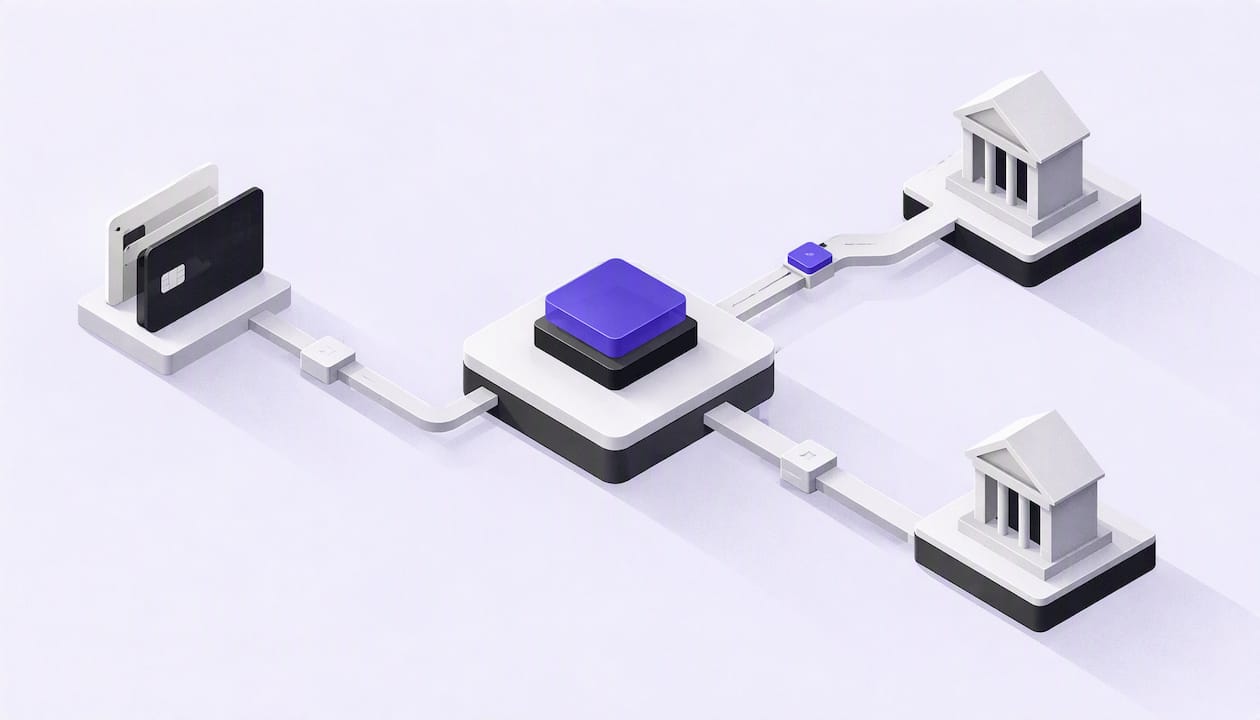
Visa describes VAU as a secure clearinghouse that exchanges changed account information between participating issuers and merchants, principally to keep card-on-file billing credentials current. The same fact sheet lists the triggers: expiration, loss or theft, account closure, product upgrade, issuer-portfolio conversion, and conversion from Mastercard, American Express or Discover to Visa.
Mastercard positions ABU the same way: a service that lets issuers and acquirers communicate account changes for credential-on-file and recurring payments to merchants, with the goal of lifting card-not-present approvals and cutting customer-service demand.
In plain terms, the updater replaces the step where your customer has to notice a failed payment, find the email and type in a new card.
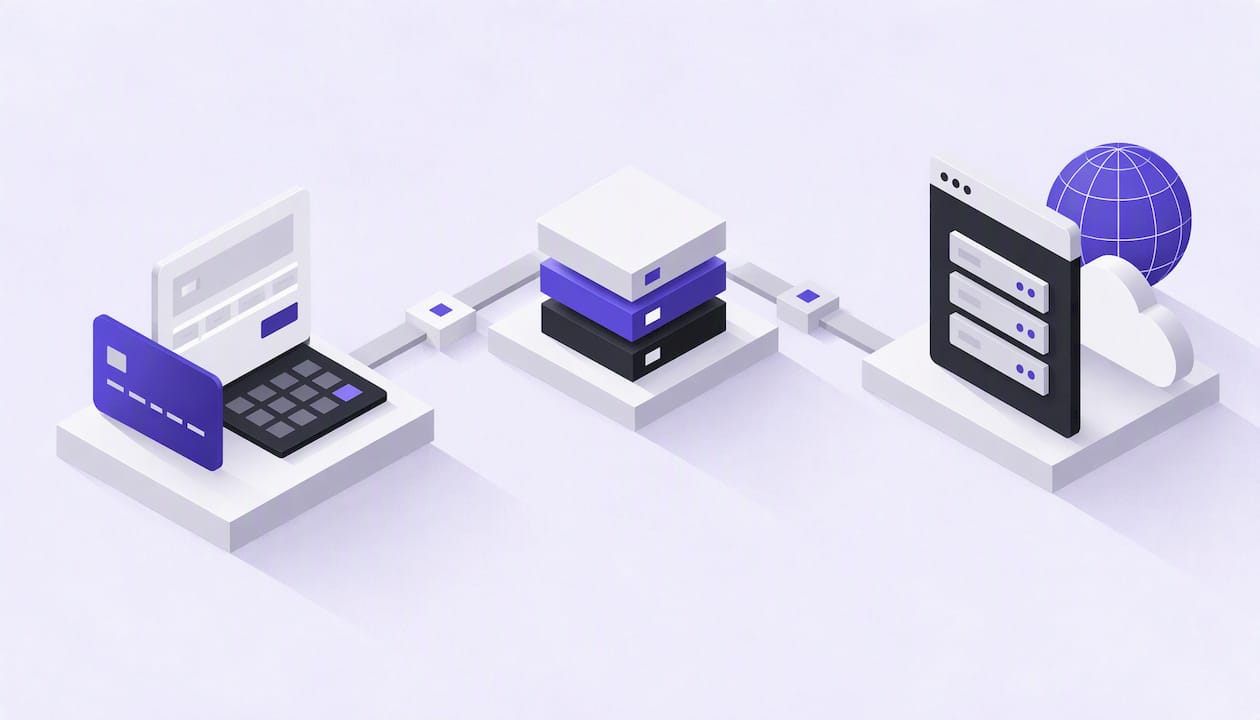
The mechanics are the same in outline for both networks, though the details differ by acquirer.
Visa also offers an optional on-demand API. According to the developer documentation, VAU lets participating credential-on-file merchants inquire through their acquirers, and the on-demand option supports one or up to 100 PANs per call. That matters for merchants who want to check a card right after a decline instead of waiting for the next batch.
Most merchants experience updaters as a pre-billing batch: you submit the file several days before renewal, get responses, and bill the refreshed credentials. Mastercard describes ABU as updating cards in real time, while Visa’s on-demand API serves the same need on the Visa side. Which of these you actually get depends on how your processor or gateway has integrated the network services, so ask for the cadence in writing before you assume it.
The most useful thing to understand before you enroll is scope. An updater fixes credential changes. It does not fix a customer who has no money, a card that is over its limit, or a fraud block.
Visa identifies the addressable situations as an invalid account number, closed account, expired card, pickup-card conditions, lost or stolen card, and certain refer-to-issuer responses (Visa Account Updater product page). The same page states that VAU supports account-number and expiration-date changes, closed-account information and contact-cardholder recommendations, and that it does not provide cardholder name or address changes.
| Decline situation | Updater can help? | What to do instead or in addition |
|---|---|---|
| Expired card | Yes | Bill the refreshed expiration date |
| Card reissued with a new number | Yes | Replace the stored PAN automatically |
| Lost or stolen card, new card issued | Often | Use the new credentials if the issuer reports them |
| Account closed, no replacement | Returns a closed-account notice | Stop retrying, contact the customer |
| Contact-cardholder advice | Flags it | Send a card-update request |
| Insufficient funds | No | Retry schedule, smart timing |
| Suspected fraud or issuer block | No | Customer outreach, authentication review |
| Address change only | No | Update billing address through your own flow |
Visa’s fact sheet also says VAU can increase authorization approvals and reduce service cancellations and customer-service costs, but responses may include closed-account or contact-cardholder advice. Treat those two outcomes as workflow triggers, not failures: they tell you precisely which customers need a human or an automated outreach sequence.
Updater services are built for credential-on-file payments. Visa names recurring and installment-payment providers, subscription services, certain online merchants and preferred customer travel-and-entertainment programs as typical account-on-file merchant users. Visa’s developer guide adds that VAU supports recurring payments, credential-on-file transactions, Visa Direct transactions and purchase-return transactions.
In practice, you are a strong candidate if you:
You are a weak candidate if nearly all of your volume is one-time guest checkout, because there is no stored credential to go stale.
For merchants, participation is optional. A U.S. credit-union FAQ states that merchant participation in VAU is optional, that issuers enroll cardholders automatically at no charge, and that cardholders can opt out by contacting the issuer.
The opt-out is handled on the issuer side. Visa’s FAQ explains that the issuer implements the opt-out by submitting an opt-out advice or a contact-cardholder advice, and can later opt the account back in. As a merchant, that means a share of your cards will never return updates. Your updater is a high-percentage tool, not a guarantee, so you still need a fallback for the rest.
These two tools solve overlapping problems and are often confused.
An account updater keeps a stored PAN and expiration date current by pushing or returning changes when the card changes. Your system still holds a card number, so that data stays in scope for your security program.
A network token replaces the PAN with a token issued through the card network. Because the token is tied to the underlying account, the network and issuer can maintain its lifecycle, including expiration and reissuance, without you receiving a new card number. Tokens also carry additional fraud controls at authorization.
| Account updater | Network token | |
|---|---|---|
| What you store | PAN and expiration date | A token |
| How changes reach you | Updated credentials returned on inquiry | Lifecycle managed by the network and issuer |
| Coverage dependency | Participating issuers, cardholder opt-outs | Issuers and merchants supporting token lifecycle |
| Security effect | Neutral to your data scope | Reduces exposure of raw card numbers |
| Best role | Cards already on file, legacy vaults | New enrollments and mature stacks |
Coverage for both is uneven, so many merchants run them side by side: tokens where they are supported, an updater for the remaining raw PANs. Ask your processor how the two are sequenced so that you are not paying for an update on a credential that a token would have maintained anyway.
Merchants rarely contract with Visa or Mastercard for updater access. You enroll through the party that holds your merchant account or gateway connection, and the setup usually looks like this.
If you store cards yourself, PCI DSS requirements apply to that data whether or not an updater touches it. Another reason to let your gateway hold the vault.
Do not rely on a vendor’s quoted refresh rate. Build your own scorecard from your own billing data.
Segment by issuer type and card age. Older cards in a vault convert more often than cards added last month, so a fresh book of business will look worse than a mature one even when the service is working.
An updater handles one cause of recurring declines. A complete plan layers other measures:
The layers feed each other. A customer who is updated silently never sees a failure notice, never calls support and never files a dispute because they did not recognize a retry.
We place merchants that mainstream processors have declined or frozen, and subscription and MLM billing is one of the categories we see most. Our view is straightforward.
First, an updater is table stakes for any recurring model, but it is not a substitute for a stable merchant account. A refreshed card number is worthless if the account behind it is under a reserve you did not expect or is shut down mid-cycle. That is why we spend as much time on underwriting, sponsor-bank relationships and clear reserve terms as on features.

Second, high-risk recurring merchants carry less margin for error. Elevated decline rates push up retries, retries can draw issuer attention, and disputes rise when customers see unexpected charges. Cutting avoidable declines at the credential layer lowers the pressure on every other ratio you are watched on.
Third, ask your provider hard questions: which networks are covered, how often inquiries run, what is charged per update and what happens to no-match cards. We would rather you walk into a conversation with those questions than accept a bundled “updater included” line.
— Joshua Benedetti
If your subscription or card-on-file business has been declined, frozen or shut down elsewhere, we can help you get approved and keep billing. Our high-risk subscription merchant accounts come with gateway integrations, recurring billing support, payment decline recovery and chargeback management and prevention. Pricing is quote-based and we are open about reserve structures. To start, see our high-risk merchant account page and tell us about your volume and billing model.
It is a network-run service that returns new card numbers, expiration dates or closure notices for the cards you have stored, so recurring and card-on-file payments continue after a card is reissued. Visa’s version is Visa Account Updater and Mastercard’s is Automatic Billing Updater. You access them through your acquirer, gateway or processor.
No, merchant participation is optional, and you opt in through your acquirer or processor. Issuers typically enroll cardholders automatically, and cardholders can opt out through their issuer.
No. It addresses credential changes such as expiration, reissuance and closure. It does not resolve insufficient funds or fraud blocks, and Visa states it does not supply name or address changes. Pair it with retry logic and customer outreach.
There is no single public price. Visa says production fees require contacting Visa, and your acquirer or gateway sets its own merchant pricing, often per update or per inquiry. Request the fee structure and the response-code handling in writing before you enroll.
Every merchant's processing setup is different, so the right answer depends on your industry, sales channels, average ticket size and chargeback history. CARDZ3N's payments specialists review those details with you and match your business with the right sponsor bank, gateway and risk tools, whether you sell online, in store, by invoice or on a recurring subscription.
We work with merchants across the USA, Canada, the UK and the EU, including high-risk, B2B and fast-growing businesses that traditional processors often turn away. If you would like a second opinion on your current rates, contract terms or approval options, contact our team for a free, no-obligation processing review.
Joshua Benedetti is the CEO of CARDZ3N, a Las Vegas-based merchant services provider specializing in high-risk payment processing and B2B payment technology.
Joshua Benedetti on LinkedInCARDZ3N Inc is headquartered in Las Vegas, Nevada, and provides merchant services to businesses that traditional processors turn away. Backed by top-tier sponsor banks and processors, CARDZ3N combines institutional stability with the speed of a specialized team that understands high-risk industries. Services include high-risk account underwriting and placement, gateway solutions across the major gateway platforms, POS integrations, ACH and check processing, chargeback prevention through ChargebackZ3N, and business lending and working capital. Its AerospacePay division serves OEMs, MROs, FBOs, and repair stations with B2B and B2G payment processing. CARDZ3N serves merchants in the USA, Canada, the UK, and the EU.
Start protecting your revenue from chargebacks today — schedule your complimentary consultation with CARDZ3N’s dispute management specialists.