


 CARDZ3N — Home
Contact us today for personalized advice and strategic solutions tailored to your goals.

Call us
+1 (702)-623-3528




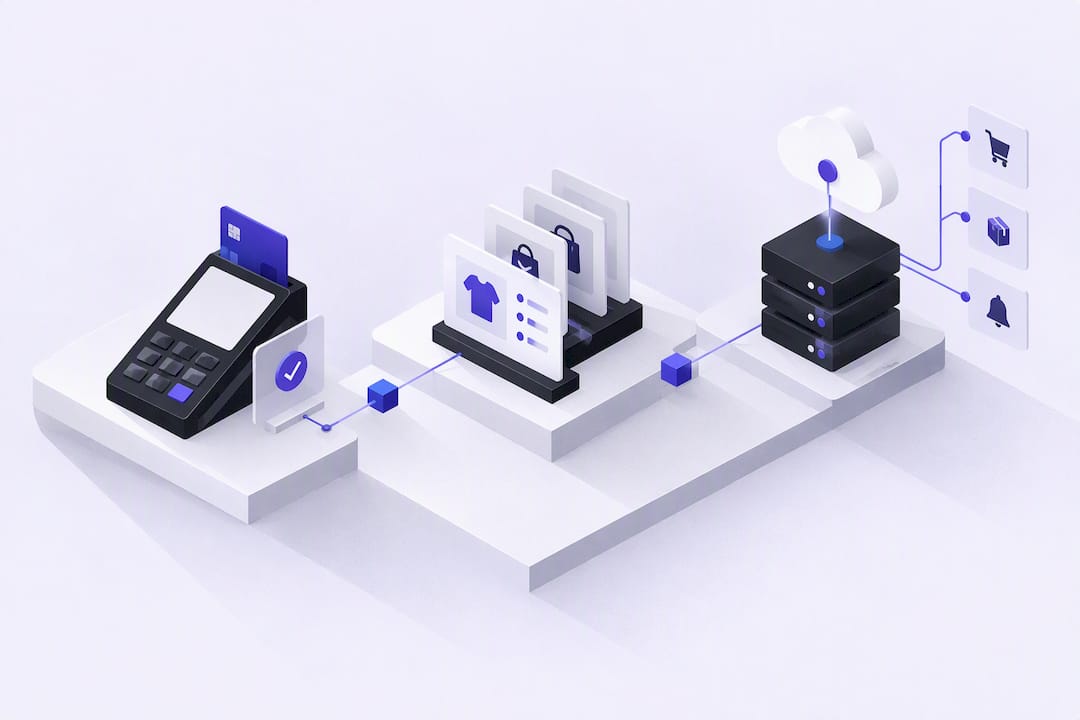





POS API integration connects catalog, order, payment, and inventory data between a point-of-sale system and the external applications that depend on it, using direct REST endpoints and SPIs, event-driven webhooks, or a unified middleware layer. For most teams, the fastest reliable path is to request sandbox credentials, implement OAuth consent, and start with a catalog sync before layering in order injection and payment events.
A POS API is a set of read and write endpoints that expose a merchant’s catalog, orders, customers, and payment records to an external application. Instead of manual exports or screen-scraping, you query or push data directly, and the POS enforces its own business rules on the way in.
Most integration projects touch the same handful of flows:
Done well, this work eliminates the manual reconciliation that creeps in when a merchant runs separate systems for selling, accounting, and fulfillment, and it is the backbone of any omnichannel setup where a customer might buy online and pick up in-store.
Three components do almost all the work in a modern POS integration, and understanding how they divide responsibility saves you from building the wrong one first.
According to Salesforce’s developer documentation on point of sale APIs, SPIs, and webhooks, these three pieces are usually managed as distinct components rather than a single interface, with SPIs reserved for moments when the POS needs an external system to make a decision mid-transaction. A typical flow combines all three: REST calls populate the catalog, an SPI validates a loyalty redemption at checkout, and a webhook confirms the final order once payment clears.
Nearly every POS platform gates access behind OAuth 2.0, and getting this right early avoids a long list of downstream support tickets. The standard pattern is an authorization code flow: your app redirects the merchant to the POS’s consent screen, the merchant approves the requested scopes, and the POS redirects back with a code you exchange for an access token and a refresh token.
Scopes matter more than they first appear to. Request too little and you’ll hit errors like 403 partner.scope_denied the moment you call an endpoint you didn’t ask permission for; request too much and app review will likely push back.
Documentation from Lithos POS’s developer portal notes that access tokens in some implementations expire in as little as 900 seconds, which means a refresh-before-expiry pattern isn’t optional if you want uninterrupted access.
Pro Tip: Build your token refresh logic before your first production merchant connects, not after the first expired-token support ticket arrives.
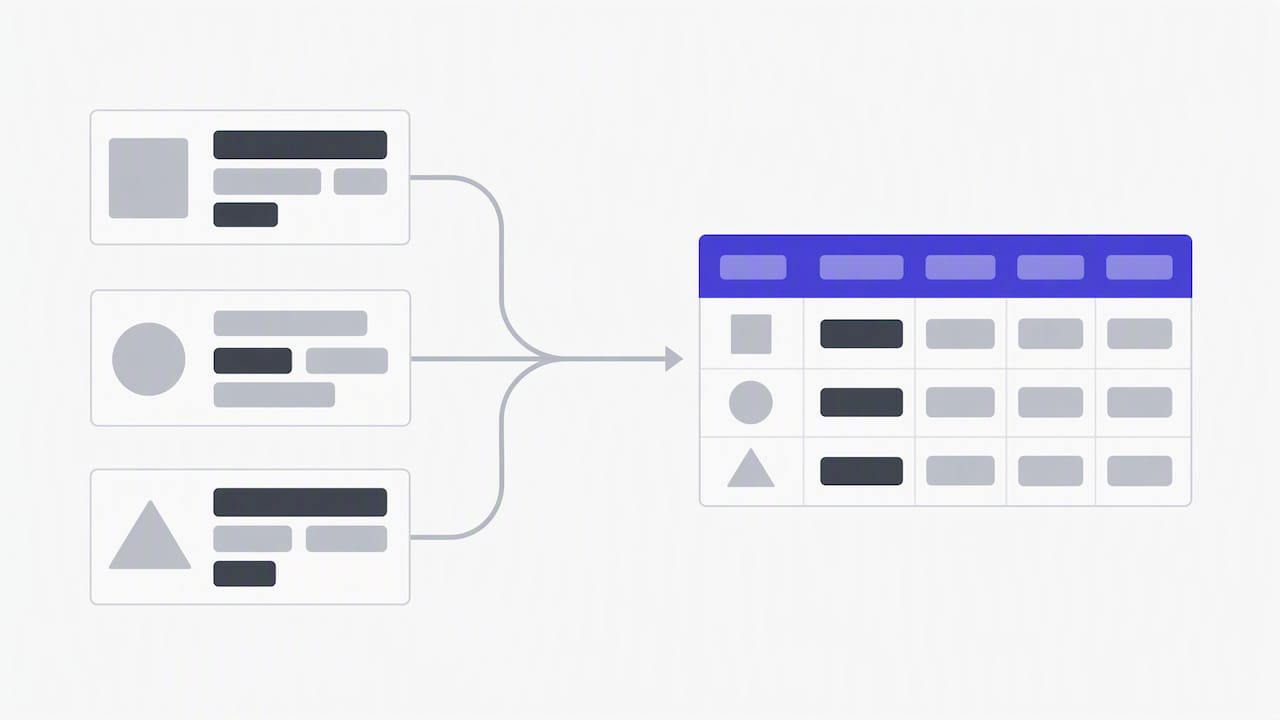
Getting catalog data in once is easy. Keeping it accurate over months of merchant edits, new modifiers, and seasonal menu changes is where most integrations break down.
The core discipline is mapping every external identifier to a stable internal reference, often called a posReference, and preserving that mapping permanently so later order injection points to the correct item. Lose that mapping and your order sync starts attaching line items to the wrong product.
A mismatch between “replace” and “merge” semantics on a single nested field is one of the most common sources of silent data corruption in production integrations, so confirm this behavior against the platform’s documentation before you ship.
Webhooks are the backbone of real-time sync, but they are not a guarantee. Most POS platforms deliver webhooks at-most-once, which means a dropped connection, a timeout on your endpoint, or a deployment restart can cause an event to vanish without retry.
The reliability gap is real: according to Apideck’s guidance on unified APIs, experienced developers avoid relying solely on webhooks because of at-most-once delivery and instead build a reconciliation job that polls payment and order endpoints until a terminal status is confirmed, closing the gap that a single missed event would otherwise leave open.
A documented end-to-end flow from POS Hub’s integration guide follows this same shape: authorize, store credentials, pull and transform catalog data, then receive order webhooks with a defined acknowledgement and retry policy layered underneath.
The first POS integration you build always feels manageable. The fifth one, with its own auth quirks, its own webhook format, and its own rate limits, is where the one-to-one connector model starts to strain a roadmap.
Unified API providers and integration platforms exist specifically to absorb that strain. They normalize disparate POS responses into a single canonical schema and take over OAuth management, retry logic, and monitoring, so your team writes against one interface instead of five.
Pro Tip: Before committing to a build-it-yourself connector, estimate the ongoing cost of tracking every POS vendor’s API changelog, not just the initial build.
Common mistakes can cause production incidents in POS integrations, and each one has a straightforward fix.
None of these require sophisticated tooling, just discipline applied consistently across every merchant you onboard.
Sandbox environments exist for a reason, and skipping them is the fastest way to discover a mapping bug in front of a live merchant.
Teams building IT infrastructure around POS hardware deployments can find additional procurement and systems context through Ventis Consulting’s point-of-sale resources, which cover the hardware and network side that often runs alongside the API work.
Reliable POS integrations do more than sync data: they produce the transaction history and metadata that underwriters and dispute teams rely on during onboarding and chargeback response. A merchant whose catalog, order, and payment records stay consistent across systems presents a cleaner file to a sponsor bank, and clean metadata speeds up evidence submission when a chargeback arrives. Secure token handling, covered in guidance on webhook and API security practices, matters just as much for regulated merchants as the integration logic itself.
— Joshua Benedetti
Connecting a POS to the right payment infrastructure matters most when your business sits outside what mainstream processors will approve. We work with merchants across CBD, firearms, subscription billing, nutraceuticals, vape, and other high-risk categories to get payment processing boarded and keep it running.
If your integration project needs a payment partner that explains reserve structures and pricing upfront rather than burying them in fine print, reach out through CARDZ3N to talk through what your POS setup requires.
A POS API is a set of endpoints that let an external application read or write a merchant’s point-of-sale data, including catalog items, orders, customers, and payment records. It replaces manual exports with direct, programmatic access between systems.
A common example is connecting a POS to an accounting platform so every completed sale automatically creates a matching ledger entry, removing manual data entry. Another is syncing POS inventory counts with an ecommerce storefront so stock levels stay accurate across both channels.
Payment APIs themselves are typically free to access with developer credentials, but the payment processing that runs through them carries transaction fees set by your processor or merchant account provider. Specific rates depend on your provider and are generally quoted based on your business type and transaction volume.
POS integration work typically involves REST APIs for catalog, order, and customer data, SPIs for workflow decisions the POS delegates to an external system, and webhooks for real-time event notifications. Together, these three types cover most of what a POS integration needs to move data and respond to events reliably.
Every merchant's processing setup is different, so the right answer depends on your industry, sales channels, average ticket size and chargeback history. CARDZ3N's payments specialists review those details with you and match your business with the right sponsor bank, gateway and risk tools, whether you sell online, in store, by invoice or on a recurring subscription.
We work with merchants across the USA, Canada, the UK and the EU, including high-risk, B2B and fast-growing businesses that traditional processors often turn away. If you would like a second opinion on your current rates, contract terms or approval options, contact our team for a free, no-obligation processing review.
Joshua Benedetti is the CEO of CARDZ3N, a Las Vegas-based merchant services provider specializing in high-risk payment processing and B2B payment technology.
Joshua Benedetti on LinkedInCARDZ3N Inc is headquartered in Las Vegas, Nevada, and provides merchant services to businesses that traditional processors turn away. Backed by top-tier sponsor banks and processors, CARDZ3N combines institutional stability with the speed of a specialized team that understands high-risk industries. Services include high-risk account underwriting and placement, gateway solutions across the major gateway platforms, POS integrations, ACH and check processing, chargeback prevention through ChargebackZ3N, and business lending and working capital. Its AerospacePay division serves OEMs, MROs, FBOs, and repair stations with B2B and B2G payment processing. CARDZ3N serves merchants in the USA, Canada, the UK, and the EU.
Start protecting your revenue from chargebacks today — schedule your complimentary consultation with CARDZ3N’s dispute management specialists.