

 CARDZ3N — Home
Contact us today for personalized advice and strategic solutions tailored to your goals.

Call us
+1 (702)-623-3528









For most multi-site retailers and any business that needs remote reporting, cloud POS is the stronger starting point, while traditional on-premises systems still make sense where closed networks and full local control are mandatory. The right choice depends on security and compliance obligations, how your business behaves offline, and your cost profile. The sections below walk through costs, integrations, reliability, and the vendor questions that separate a good fit from a costly mismatch.
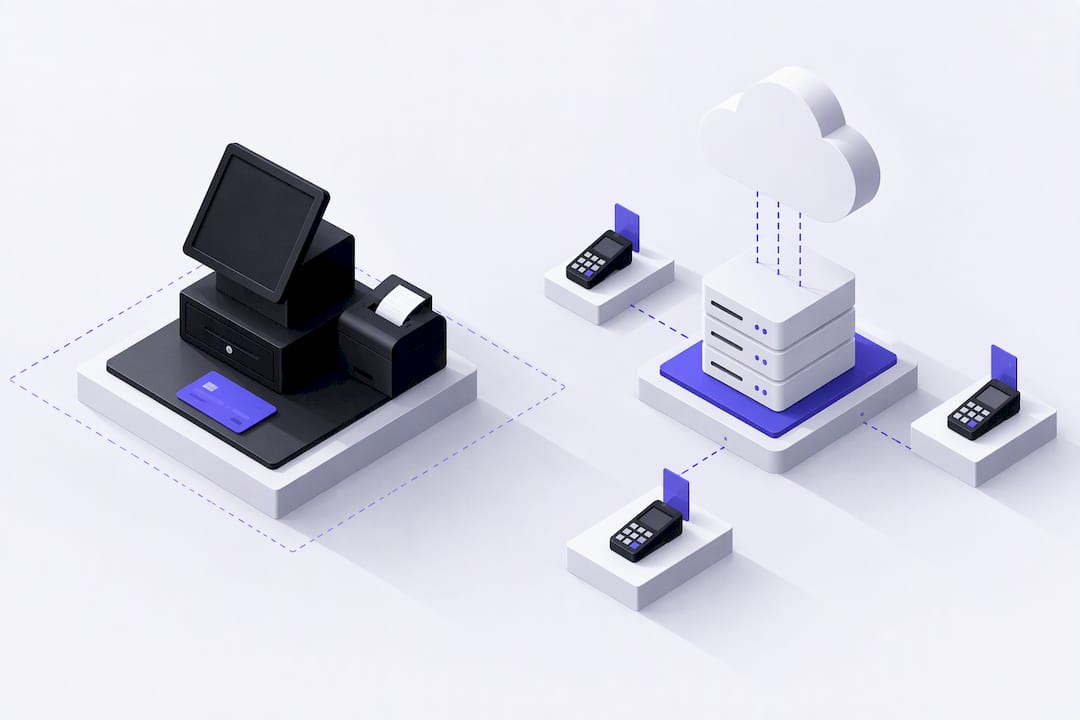
The two models diverge on where data lives, who maintains the system, and how you pay for it. A cloud POS stores transaction and inventory data on a vendor’s servers and pushes updates automatically, while a traditional system keeps that data on a local server you own and manage. According to NIST Special Publication 800-146, cloud computing gives on-demand access to shared computing resources, which is precisely why cloud POS supports remote dashboards that on-premises servers were never built to deliver.
Each of these differences carries downstream consequences for cost, compliance, and day-to-day reliability, which the following sections unpack.
A traditional, on-premises POS asks you to pay most of the bill upfront and then carry the maintenance burden for years. That trade-off works for a single, stable location with a dedicated IT resource, but it creates friction almost everywhere else.
Cloud POS has become the default recommendation for growing or multi-location operations because it removes the heaviest early costs and keeps the system current without extra staff time. Managers can check sales, labor, and inventory from a phone between locations, which matters as much for a two-store boutique as for a regional restaurant group.
Pro Tip: Ask any cloud POS vendor for a live demo using your actual menu or SKU list, not a generic sample dataset, so you can see real integration behavior before you commit.
The sticker price rarely tells the full story. A fair comparison looks at capex versus opex, migration costs, and the ongoing fees that show up after go-live.
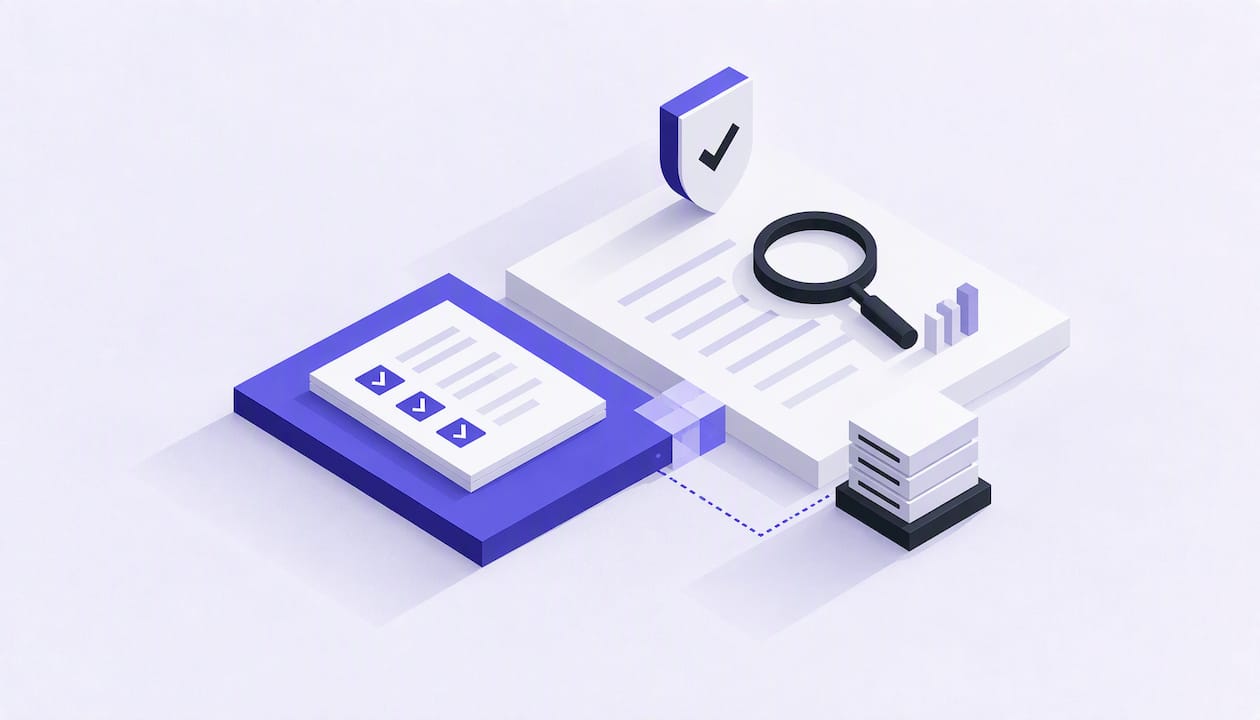
Moving any part of payment processing to the cloud changes who is responsible for what. The PCI SSC’s cloud guidelines describe a shared responsibility model: when cardholder data touches a cloud service, that service becomes part of your PCI DSS scope, and using a PCI-compliant vendor does not automatically make your own business compliant.
A PCI-compliant cloud vendor does not transfer compliance to you automatically; you still carry documented obligations under the PCI SSC’s guidance. That single fact drives most of the diligence work below.
Comparing systems on price alone misses the operational differences that matter most once you’re live. Start by mapping your actual workflow, since retail and restaurant POS systems handle fundamentally different transaction flows, and a demo that only shows a generic checkout screen will not reveal how a vendor handles your order lifecycle.
Pro Tip: Bring a printed list of your must-have integrations to every vendor call; a sales rep who can’t answer API questions on the spot usually means the integration isn’t production-ready.
We work daily with merchants that mainstream processors reject, freeze, or shut down, which gives us a close view of where POS and payment integrations break down for regulated and high-risk businesses.
Before committing to any payments partner, ask for references and specifics on how they’ve handled a deployment similar to yours.
If you run a multi-site or growing operation, start your evaluation with cloud POS and only consider a traditional system if a closed network or regulatory constraint requires it. Map your actual workflow, request AOC and SLA documentation from any vendor, and run a short pilot before a full rollout. If your business falls into a high-risk or regulated category, a specialist payments partner can help with underwriting and POS integration from day one.
— Joshua Benedetti
If generic processors have turned you down or your reserve terms never made sense, we built our business around exactly that gap. We focus on high-risk and B2B merchants that mainstream processors routinely reject, pairing hands-on underwriting with payment technology that actually fits your vertical.
If you want a quote or need help matching a POS system to your payment setup, get in touch with our team to start the conversation.
Most point-of-sale systems charge some combination of a monthly software fee, a per-terminal fee, and transaction processing fees, with the exact mix depending on the vendor and plan. Traditional systems may shift more cost into upfront hardware and licensing instead of recurring fees. Ask any vendor for a full written fee schedule, including overage and add-on charges, before signing.
Traditional computing runs software and stores data on local servers you own and maintain, while cloud computing delivers on-demand access to shared computing resources managed by a provider, as described in NIST’s cloud computing guidance. That shift changes who handles maintenance, how you access data remotely, and how costs are billed over time.
Neither model is better in every case: cloud POS tends to fit growing or multi-location businesses that need remote access and lower upfront costs, while traditional POS can suit a single location with a closed network and dedicated IT support. The right answer depends on your compliance requirements, offline needs, and budget structure.
When cardholder data touches a cloud-hosted POS component, that service becomes part of your PCI DSS scope, and working with a PCI-compliant vendor does not automatically make your own business compliant, according to PCI SSC cloud guidelines. Always request a vendor’s Attestation of Compliance and a written breakdown of shared security responsibilities.
High-risk and regulated merchants should confirm that a vendor’s POS and gateway integrations are compatible with their payment processor and underwriting requirements before switching systems. Working with a payments partner experienced in your industry, such as a high-risk merchant account specialist, can help avoid processing disruptions during a POS transition.
Every merchant's processing setup is different, so the right answer depends on your industry, sales channels, average ticket size and chargeback history. CARDZ3N's payments specialists review those details with you and match your business with the right sponsor bank, gateway and risk tools, whether you sell online, in store, by invoice or on a recurring subscription.
We work with merchants across the USA, Canada, the UK and the EU, including high-risk, B2B and fast-growing businesses that traditional processors often turn away. If you would like a second opinion on your current rates, contract terms or approval options, contact our team for a free, no-obligation processing review.
Joshua Benedetti is the CEO of CARDZ3N, a Las Vegas-based merchant services provider specializing in high-risk payment processing and B2B payment technology.
Joshua Benedetti on LinkedInCARDZ3N Inc is headquartered in Las Vegas, Nevada, and provides merchant services to businesses that traditional processors turn away. Backed by top-tier sponsor banks and processors, CARDZ3N combines institutional stability with the speed of a specialized team that understands high-risk industries. Services include high-risk account underwriting and placement, gateway solutions across the major gateway platforms, POS integrations, ACH and check processing, chargeback prevention through ChargebackZ3N, and business lending and working capital. Its AerospacePay division serves OEMs, MROs, FBOs, and repair stations with B2B and B2G payment processing. CARDZ3N serves merchants in the USA, Canada, the UK, and the EU.
Start protecting your revenue from chargebacks today — schedule your complimentary consultation with CARDZ3N’s dispute management specialists.